

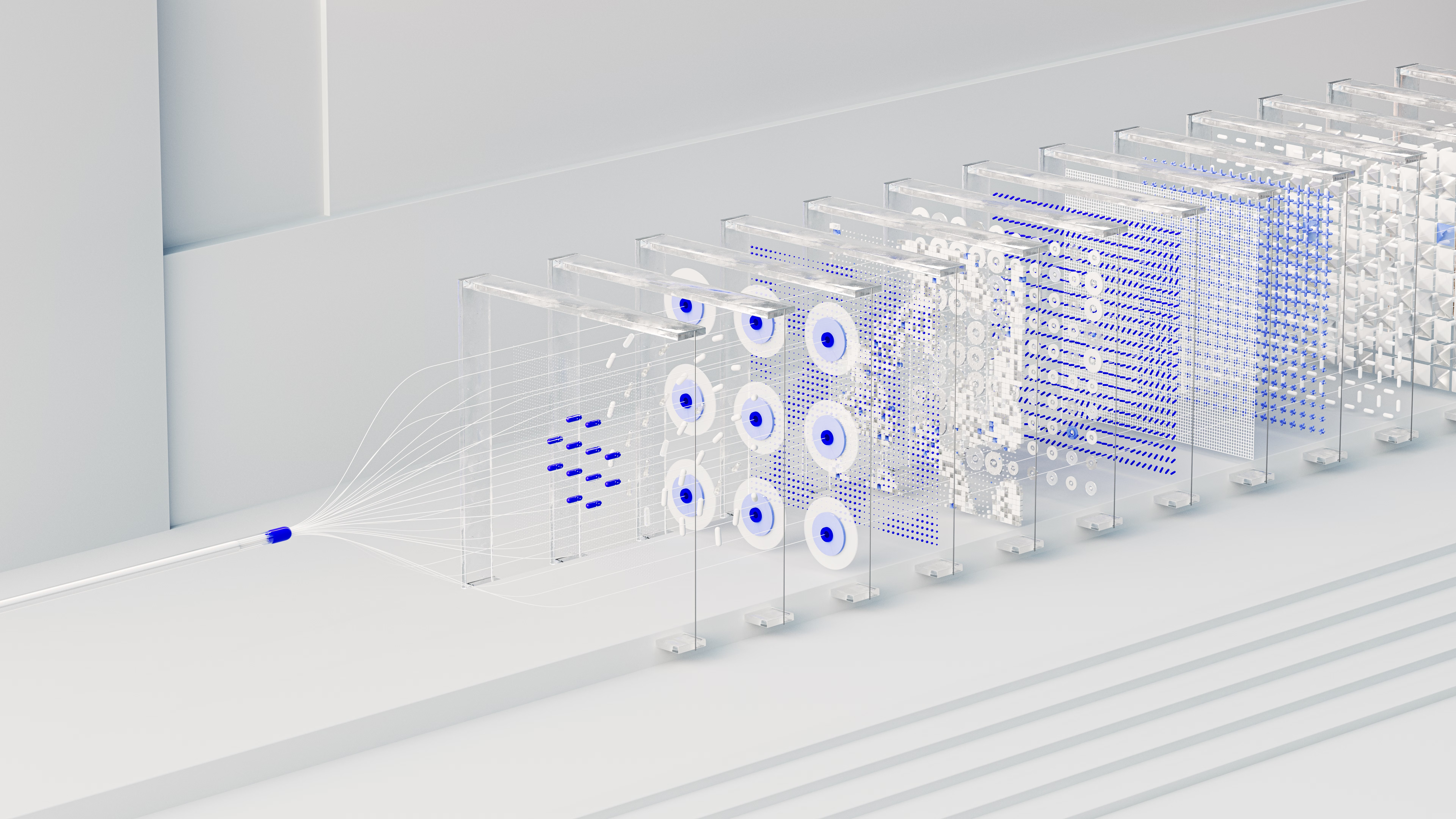
Single agents are useful. Orchestrated agents are transformative.
Most early AI agent deployments are single-purpose: one agent that handles IT helpdesk queries, another that manages onboarding, a third that answers HR policy questions. Each is valuable. But the real step-change in productivity comes when these agents can work together, passing context between them, dividing complex tasks, and operating as a coordinated system rather than a collection of isolated tools.
That's what AI agent orchestration means in practice: the coordination layer that lets multiple agents collaborate on work that no single agent could handle alone.
Why single agents hit a ceiling
A single AI agent operates within a defined scope. It has access to certain tools, certain knowledge, certain permissions. That scope is intentional – it makes the agent more reliable, easier to test, and easier to audit.
But real business processes rarely fit neatly within a single scope. A customer complaint that starts as a billing query might require input from fulfilment, escalation to a human relationship manager, and a follow-up action in the CRM. A single agent handling all of this would need to be complex enough to be unreliable. Four agents, each handling their part and handing off appropriately, is a much more maintainable architecture.
What orchestration actually looks like
There are a few common patterns:
Sequential orchestration
Agent A completes its task and passes the output to Agent B, which passes to Agent C. Linear, predictable, easy to audit. Good for workflows with clear stages – procurement approvals, content production pipelines, structured onboarding sequences.
Parallel orchestration
A central orchestrator agent splits a task and runs multiple sub-agents simultaneously, then aggregates the results. Useful for research tasks, competitive analysis, or any workflow where independent work streams can run concurrently to reduce total time.
Dynamic orchestration
The orchestrator decides at runtime which agents to invoke based on the input. A customer query comes in; the orchestrator assesses it and routes it to the billing agent, the fulfilment agent, or the escalation path depending on what's actually being asked. More flexible, requires more careful design.
How Microsoft Copilot handles orchestration
Microsoft's approach to agent orchestration sits primarily within Copilot Studio and the Azure AI Foundry.
In Copilot Studio, you can build agents that call other agents as tools. An orchestrator agent can invoke specialist agents via their published connectors, receive their outputs, and incorporate them into its own response or action sequence. This makes it possible to compose complex workflows from simpler, already-tested agent components.
The Azure AI Foundry provides more programmatic control for teams building custom orchestration logic in Python or C#. It supports multi-agent frameworks, tool registration, and the kind of state management you need for long-running workflows that span multiple sessions or systems.
The practical implication: if your organisation is already on Microsoft 365 and has started building agents in Copilot Studio, you have the infrastructure to move into orchestration without adopting an entirely new stack. The complexity comes in the design, not the tooling.
What makes orchestration hard
The technical layer is usually the easier part. The harder parts are:
Defining clean handoffs
What does each agent receive? What does it return? Where does responsibility pass from one agent to the next, and what happens when an agent can't complete its task? These interfaces need to be specified precisely, or failures compound across the system.
Managing context
Agents don't share memory by default. If Agent B needs to know what Agent A found out, that information needs to be explicitly passed. This sounds obvious but gets complicated fast in dynamic orchestration where the sequence isn't predetermined.
Testing edge cases
A single agent failing is a contained problem. An orchestrated system failing can produce cascading errors that are hard to trace. Testing needs to be more rigorous, with explicit coverage of the handoff points where things are most likely to go wrong.
Where to start
If you're already running individual agents, the natural first step into orchestration is identifying a workflow that currently requires manual handoffs between your agents – a place where a human is acting as the connector because the agents don't talk to each other.
Build the orchestration layer for that workflow first. Keep it sequential. Test it thoroughly. Then expand.
If you're at an earlier stage and trying to figure out whether orchestration is relevant to your operation at all, TrimJourney can help you get there. We map workflows end to end and identify where the coordination layer creates the most leverage.